If you’re looking to take your Google Ads campaigns to the next level in 2023, you need the right tools to help you optimize your performance. From keyword research to bid management, Google Ads optimization tools can help you get the most out of your campaigns.
HubSpot’s 2022 State of Marketing Report revealed that 63% of consumers have clicked on a Google Ad, pointing to the fact that optimizing your Google Ads can increase your brand’s growth and revenue. This article will explore the best Google Ads optimization tools for 2023 and how you can get the best out of them.
How does Google Ads optimization work?
Google Ads optimization is the process of setting up campaigns to improve your ads’ performance. This can include targeting the best keywords, crafting great ad copies, and utilizing the most effective performance strategies. These techniques can help you get more clicks, conversions, and ultimately more return on your investment. It’s important to pick automated solutions for your campaign optimization. This would help reduce the time spent manually monitoring and adjusting your campaigns.
What metrics should I track when optimizing Google Ads?
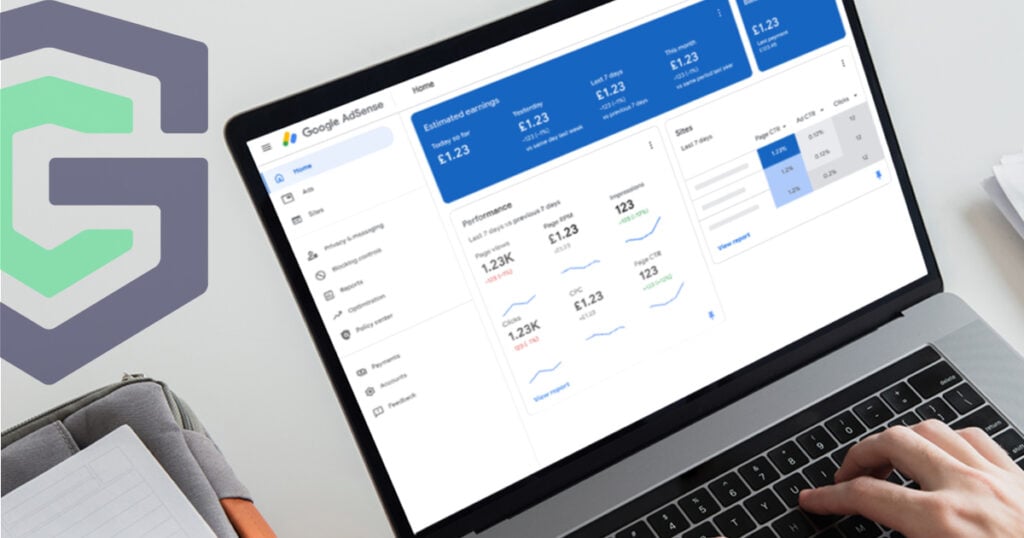
Tracking ad performance metrics can give a better idea of your campaign’s performance. These metrics include Cost Per Click (CPC), impressions, Cost Per Acquisition (CPA), Click-Through Rate (CTR), and Return On Ad Spend (ROAS). In addition, it’s important to track other metrics related to user behavior, such as bounce rate and time on the page. This would help you learn how to reach your target audience better.
What strategies should I use to maximize my ad performance?
To maximize the performance of your ads using Google Ads optimization tools, here are some strategies you should consider:
- Research the keywords you want to target. Make sure you use the most relevant keywords that will get you the best results from your ad campaigns.
- Keep track of your ad performance. Google Ads provides a range of reporting tools that allow you to monitor the performance of your ads. Use the reports to identify the areas where you can make improvements.
- Take advantage of automated bidding. Google Ads offers automated bidding tools that allow you to adjust bids based on performance. This can help you get the most out of your budget and maximize ad performance.
- Ensure that your ad copy is relevant and engaging. Make sure your ad copy is tailored to the interests of your target audience. This will help you get the most out of your ad campaigns.
- Eliminate click fraud. You need to protect your advertising from unwanted clicks and reduce waste in your ad spend.
- Test different approaches. Try different ad formats, keywords, landing pages, and other elements to see which ones get you the best results.
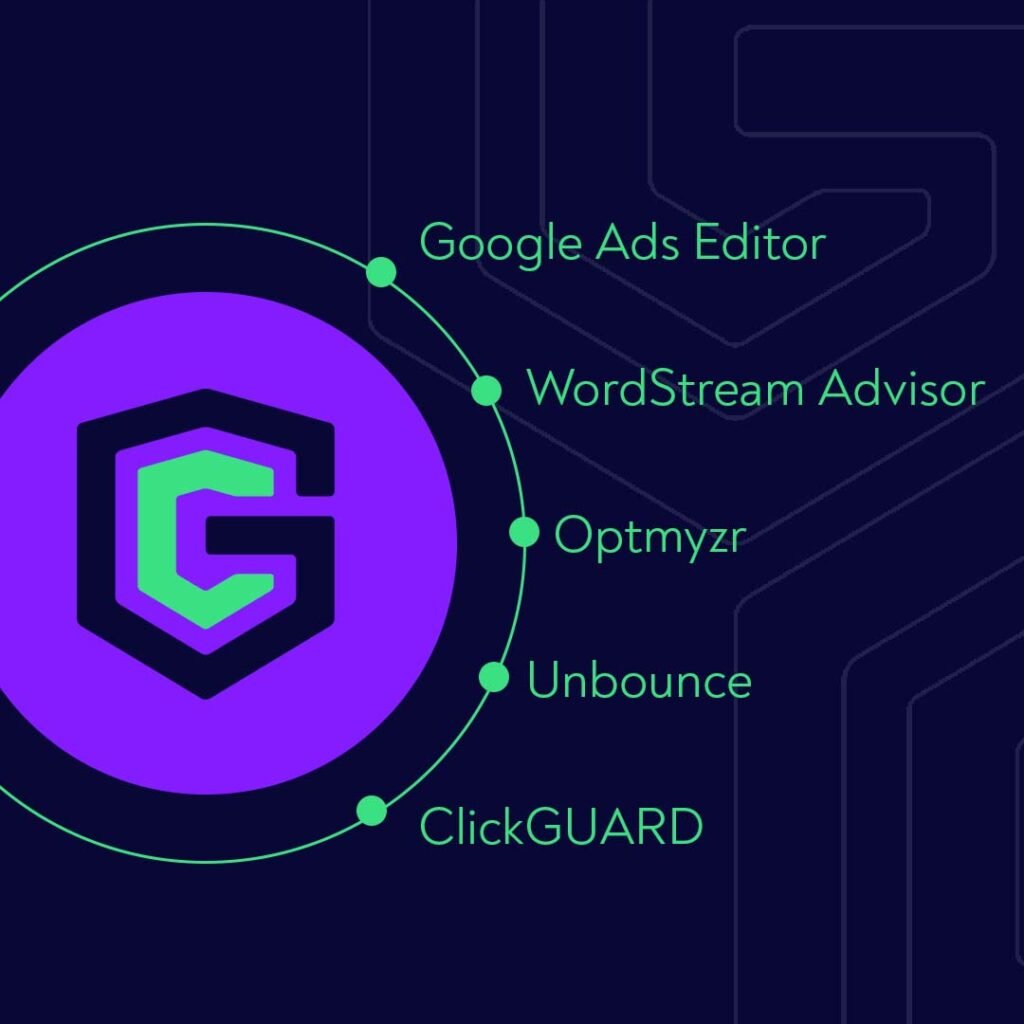
Top 5 Tools for Google Ads Optimization in 2023
Google Ads Editor
This is one of Google’s tools for managing and optimizing your campaigns. The ads editor enables you to make bulk changes to your campaigns quickly and easily. You can also use it to manage your bids, budget, and more. It reviews your overall campaign performance, including ad impressions and click-through rates. This is an invaluable tool for improving your campaign performance and efficiency.
Google Ads Editor enables you to:
- Use bulk-edit capabilities to effect multiple modifications in a single operation.
- Export and import documents to exchange suggestions or alter an account.
- Monitor metrics for all of your campaigns or a select few.
- Simultaneously oversee, revise, and inspect multiple accounts.
- Scan and replace words in ads groups or campaigns.
- Copy and move elements between ad groups and campaigns.
- Reverse and re-do numerous changes while editing campaigns.
- Produce changes in a draft stage before loading them to your account.
- Continue working even when you are offline.
WordStream Advisor
WordStream Advisor is a great tool for doing keyword research. It helps you find your Google Ads campaigns’ most relevant and profitable keywords. It also offers insights on how to optimize your campaigns and provides tips on how to improve your performance. The tool enables you to manage dynamic keyword insertion, and conversion tracking, among other features. This Google Ads Optimization software offers free features that provide adequate guidance for keyword optimization.
Optmyzr
Optmyzr is a popular tool for optimizing your Google Ads campaigns. It provides a range of features to help you automate routine tasks and improve your campaigns. It can help you optimize bids, manage budgets, and spot opportunities for improvement. It also provides detailed reports and real-time insights to track your progress.
Subscribers have access to four main features on the interface, which are:
- One Click Optimizations: It provides tips on keywords, modifying bids, altering ad content, altering the display network’s position, and making Google Shopping Campaigns more successful.
- Data Insights: It transforms raw information from Bing Ads and Google Ads into graphical illustrations that help you spot patterns and emphasize critical information to develop optimization plans.
- The Report Builder: It enables you to generate attractive PDFs, web-based reports, and dashboards to show the value of your PPC advertising.
- Enhanced Scripts for Google Ads: It makes advanced automation accessible to non-programmers with a simple-to-use user interface.
Unbounce
Unbounce helps you create customized landing pages that are functional and attractive. You can use this tool to create effective pages through its drop-and-drag feature. Great landing pages are a tool for ad campaign optimization, and Unbounce provides over 100 templates.
Here are some tools to look out for when using Unbounce:
- Smart Copy: This AI-powered copy assistant generates landing page copies. Once you select a landing page template, Smart Copy will use the information you provide to create a suitable copy that works for your business.
- Pop-ups and sticky bars: In addition to landing pages, Unbounce provides pop-ups and sticky bars that are useful for advertising your products or services, expanding your email list, and acquiring leads.
- Smart Traffic: This tool assesses the characteristics of every visitor and then guides them to the landing page version that is most likely to convert them into paying customers, all without any manual intervention.
- Dynamic Text Replacement: The feature permits you to tailor the copy on your landing pages according to the keywords used by visitors to arrive at the search results and advertisements that led them to the landing page.
ClickGUARD™
ClickGUARD is an automated solution for detecting and protecting your advertising from unwanted clicks. The cost of ad fraud in 2022 amounted to $81 billion, predicted to rise to $100 billion by 2023. Like most advertisers, you risk losing your ad spend to click fraud, but you can eliminate this problem through ClickGUARD. Our user-friendly interface makes click fraud protection uncomplicated, even for beginners. Also, you can choose the level of protection to find a balance between eliminating click fraud and unnecessarily restricting traffic to your site.
Here are four reasons why ClickGUARD is one of the best Google Ads optimization tools:
- Click fraud protection: Every ad click is analyzed and assessed based on IP address, location, device, and more. This optimizes your Google Ads campaign for your real audience, blocking out unwanted clicks.
- Invalid traffic: Invalid traffic prevention enables you to identify and screen out low-quality traffic, allowing you to allocate your advertising budget to get paying customers and genuine prospects.
- Bot mitigation: This feature enables you can analyze your non-human traffic and accurately determine whether a real person or bot has clicked on your Google Ads.
- Custom reports: You get detailed and accurate updates on your ad clicks. You can use these reports to assess specific issues related to your campaign.
Supercharge your Google Ads campaigns
Picking the best tools for your Google Ad campaign can differentiate you from your competitors. Depending on your marketing goals, the abovementioned tools can help you maximize your ad performance and get the best results. ClickGUARD is more than a tool. We partner with you to achieve the best possible outcomes in your fight against click fraud. That’s why over 5,000 marketers trust us to protect their advertising from unwanted clicks.
Why not start a free trial with us today?
FAQs
What is Google Ads optimization software?
Google Ads optimization software is generally a tool that helps advertisers optimize their ad campaigns for better performance. Most of these tools use machine learning and data analysis techniques to identify patterns and insights from large amounts of data to make recommendations or automatic optimizations to improve campaign performance.
What is a good optimization score for Google Ads?
A higher optimization score indicates that your account is better optimized and has a greater potential to perform well. However, the ideal optimization score for your Google Ads account will depend on several factors, such as your specific industry, target audience, and advertising goals.
We recommend you aim for 80% and above to optimize your ads campaign. If it’s lower than that, you may want to make adjustments.
How to optimize your Google Ads?
To optimize your Google Ads campaigns, you should define your advertising goals and refine your targeting to reach the right audience. Use relevant keywords and create compelling ad copy with extensions to encourage clicks. Adjust your bids based on performance data and optimize your landing pages for conversions. Monitor your performance data and make adjustments as necessary to continuously improve the performance of your campaigns over time.
Is ClickGUARD™ a good ad campaign optimization tool?
Yes, ClickGUARD optimizes your advertising campaigns by protecting your ads from unwanted clicks, leading to quality traffic. We provide automated and simple-to-use features that deliver great results for your Google ad campaigns.