Loading article introduction…
Loading article body…
ClickGuard tracks unique devices with its website tracking code. It stores a device ID in the visitor's browser local storage, which lets it recognize the same device across several ad clicks, campaigns and keywords, even when the IP address changes. That way it can block a device that keeps clicking your ads.
When you install the website tracking code on your landing page(s), ClickGuard is able to track visitors' devices (browsers).
ClickGuard uses browser local storage to store a Device ID that is used to track visitors across multiple ad clicks, campaigns, keywords, etc. You can later use this information to detect repetitive Ad clicks from the same browser (device).
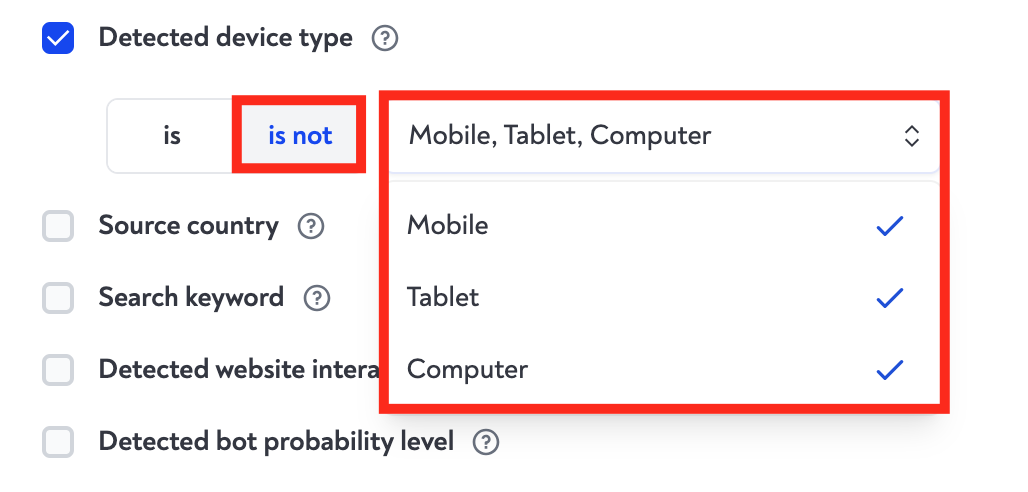
With ClickGuard you can create and define a specific "No Device" rule which triggers when ClickGuard is unable to detect the device from mobile, tablet, and computer, in which case it would be flagged as no device detected, as well as use "device" as a source in almost any other rule type to focus the rule on unique devices.
See also: What is device ID in ClickGuard.