Loading article introduction…
Loading article body…
To let ClickGuard create audience exclusions in Microsoft Ads, install the Universal Event Tracking (UET) tag on every page of your website. Copy the script from UET Tracking Script in your ClickGuard Settings and add it to your site. ClickGuard then uses it to create audience exclusions and manage your campaigns.
To enable the system to create audience exclusions, it is necessary to install a UET (Universal Event Tracking) tag script on all the pages of your website.
You can retrieve the UET tag script by following these steps:
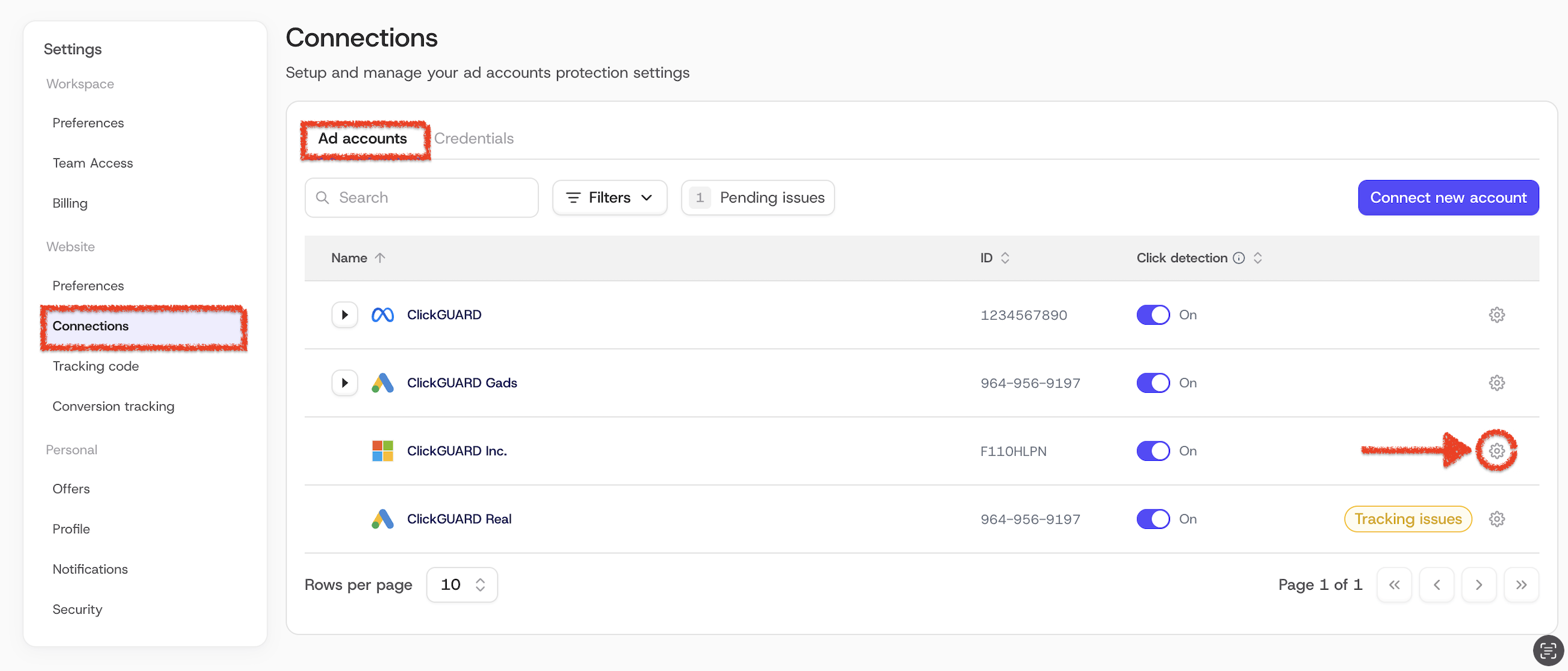
4. Under the UET Tracking Script, copy the complete script code.

This UET script is essential for ClickGuard to accurately create audience exclusions and manage your campaigns effectively. Once you have copied the script, it should be placed between the <head></head> tags on every page of your website. This ensures that all relevant data is tracked, allowing for precise audience targeting and exclusion management.
This script can also be installed via Google Tag Manager (GTM), the same way as ClickGuard's tracking code.
Important:
The UET script is unique for each Microsoft Ad account.