Loading article introduction…
Loading article body…
You can export your click data from the Click Forensics page in ClickGuard. Click Export in the upper-right corner, above the data table, and the data downloads as a CSV file. It uses the filters and date range you've applied, and opens in Excel, Google Sheets or any other spreadsheet tool.
You can export your click data directly from ClickGuard's Click Forensics section by clicking the “Export” button located in the upper-right corner above the data table.
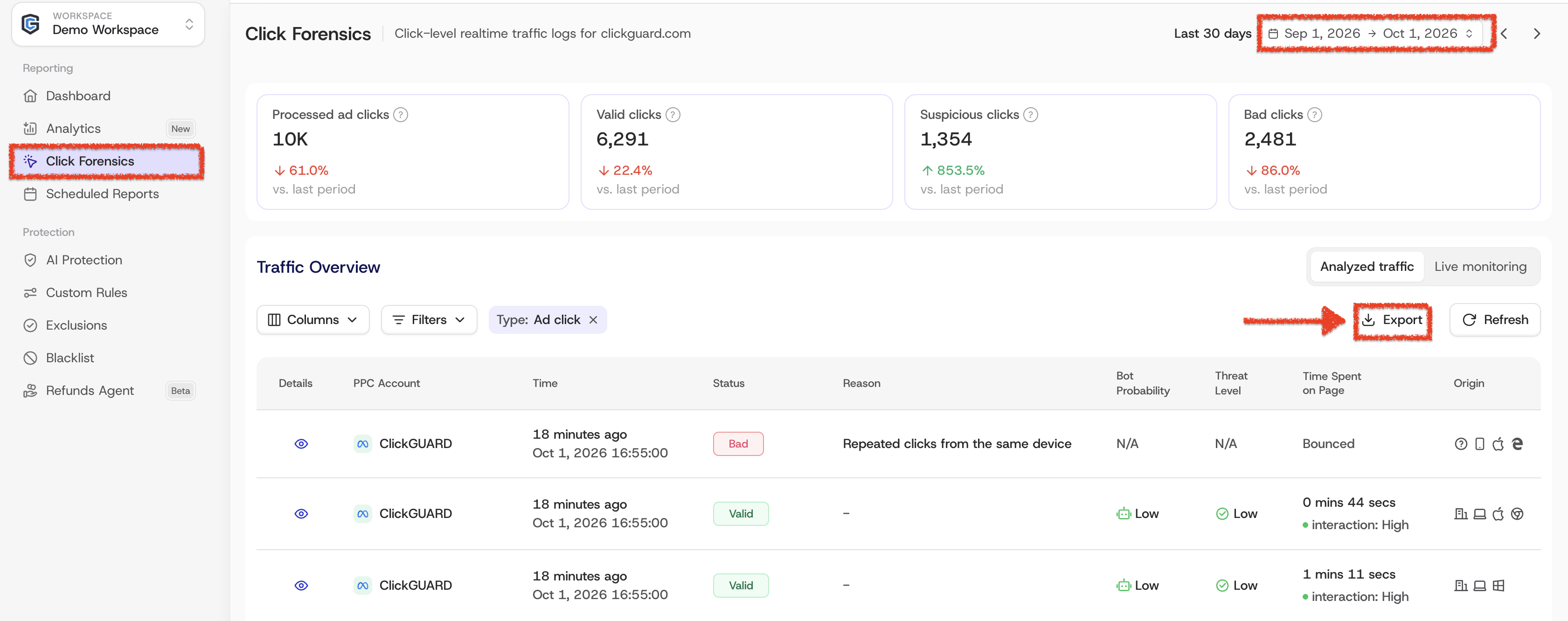
The data is downloaded in a universal CSV format, which can be easily opened with spreadsheet tools like Microsoft Excel or imported into a database for further analysis.
See also: How to request refunds from Google Ads.