Loading article introduction…
Loading article body…
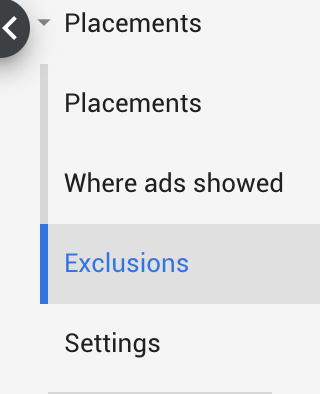
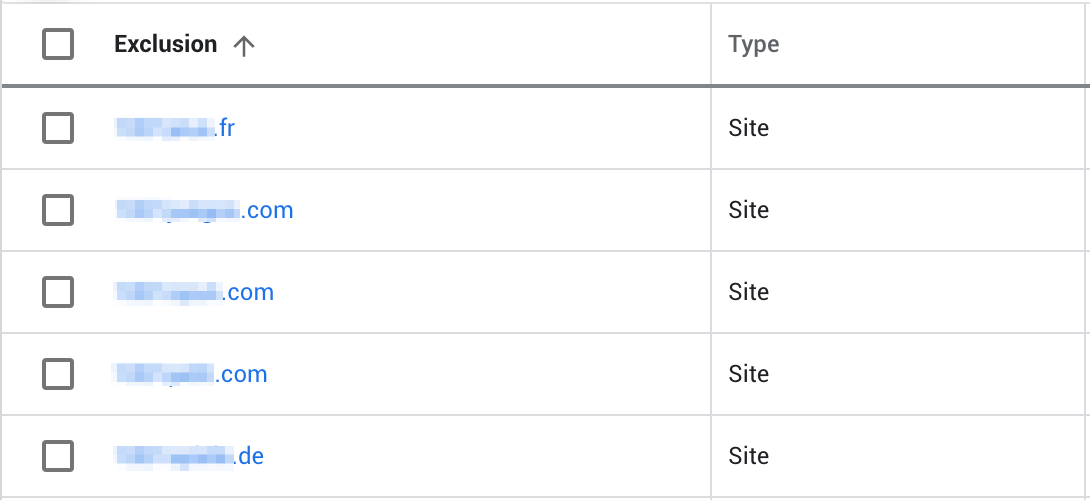
You can see every placement excluded from a Google Ads campaign in its Exclusions section. Select the campaign you want to check, then go to Placements and Exclusions in the left sidebar menu. The list shows the websites, apps and videos ClickGuard excluded, along with any you added yourself.
You can see all placement exclusions for a specific campaign in Google Ads within the Exclusions section.
Select the campaign you want to check and go to "Placements" -> "Exclusions" in your left sidebar menu:
You will find the placement within your list of exclusions:
See also: What is an ad placement.