Loading article introduction…
Loading article body…
You can see every IP address and IP range excluded from a Google Ads campaign in that campaign's settings. Sign in to Google Ads, open the campaign, go to its settings and expand IP exclusions. The list includes the exclusions ClickGuard made, alongside any you added yourself.
You can see all IP and IP range exclusions for a specific campaign in Google Ads by visiting campaign settings. To do that, follow these steps:
Click on "IP exclusions" to view the list of blocked IP addresses and IP ranges.
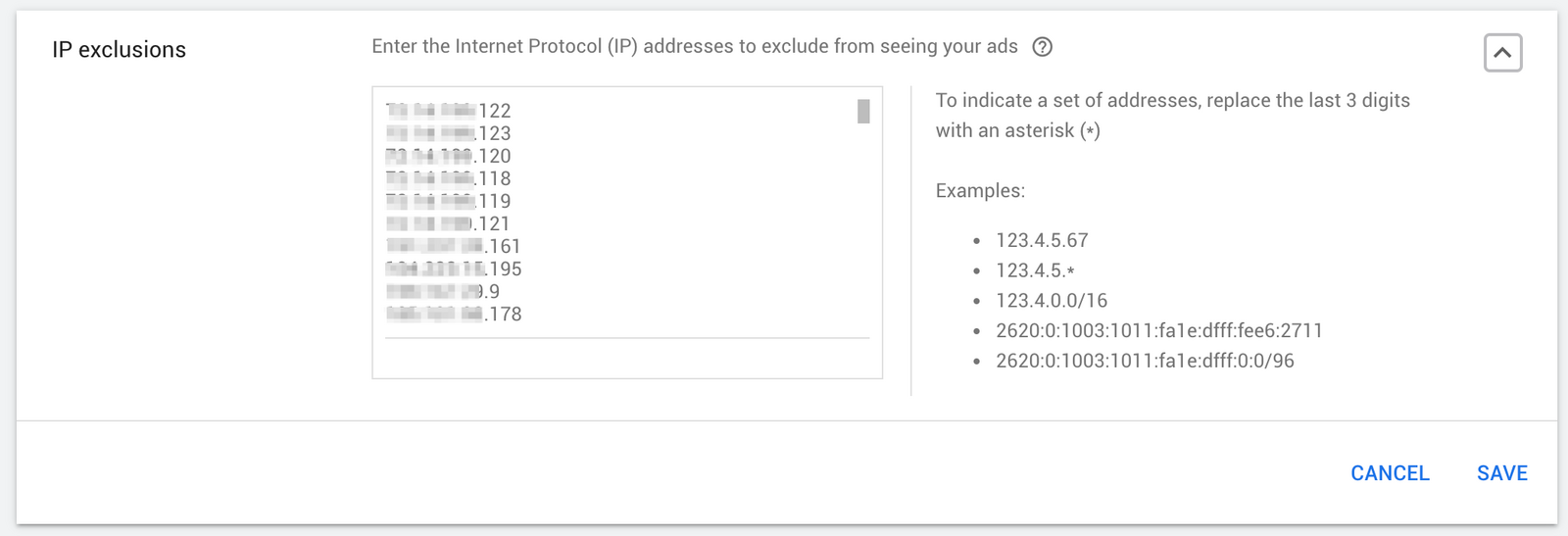
These steps will allow you to view and manage the IPs and IP ranges that have been excluded from seeing your ads in Google Ads.