Loading article introduction…
Loading article body…
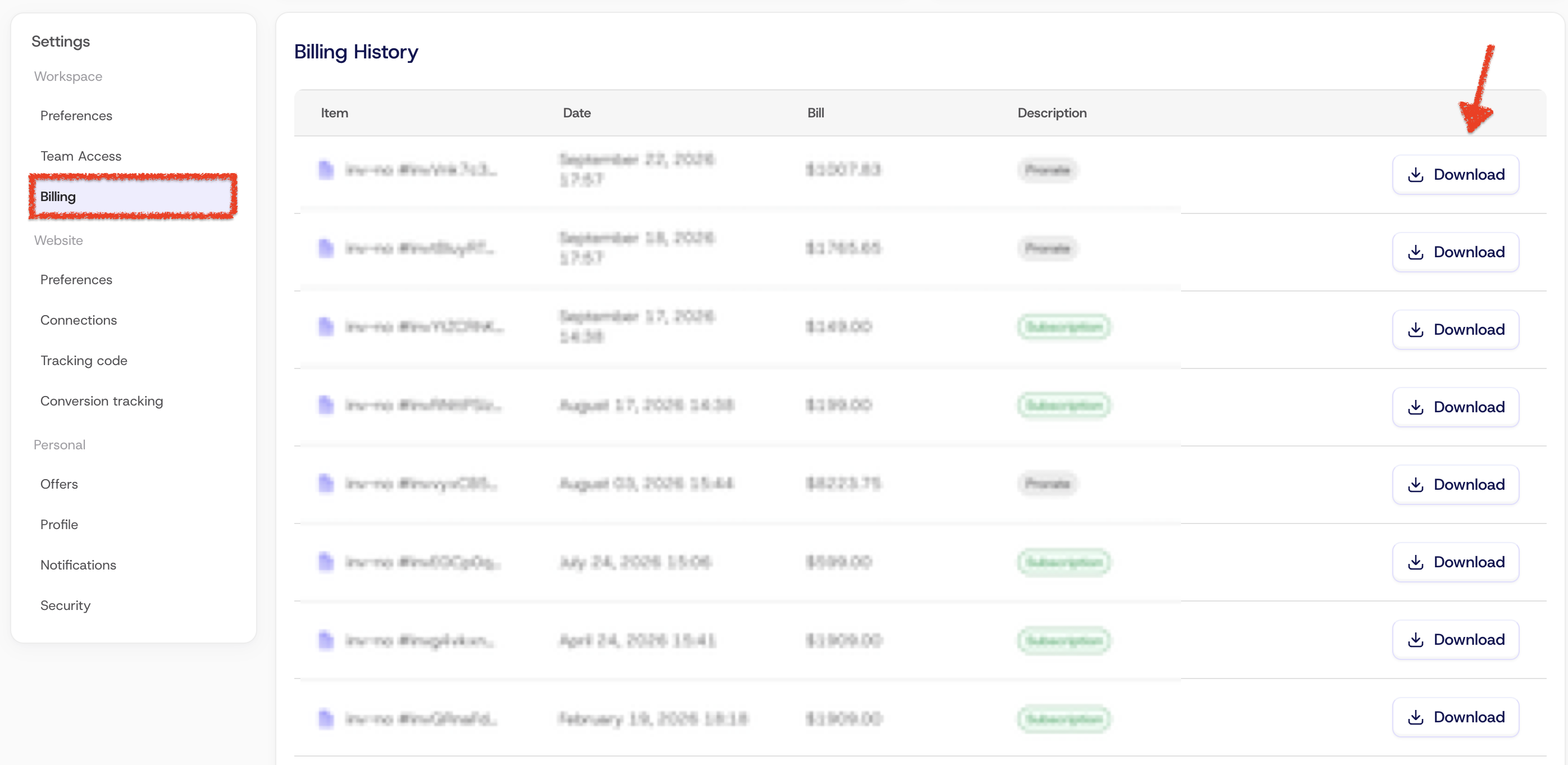
Every invoice for the charges ClickGuard made to your payment method is on your Billing page. Open Settings, select Billing under Workspace, scroll down to Billing history and click Download next to the invoice you need. You can download past invoices at any time, for your records or your accountant.
You can view and download every invoice for the charges ClickGuard made to your payment method, right from your Billing page.
See also: How to upgrade my ClickGuard subscription.