Loading article introduction…
Loading article body…
If your Google Ads clicks aren't showing up in ClickGuard, the usual causes are a missing or replaced tracking template, missing tracking parameters, tracking settings on campaigns, ad groups or ads, call-only ads, or a suspended account. Your ad account's Ad click tracking setup points out most of them.
If your Google Ads clicks aren't showing up in ClickGuard, several things could be causing it. Below are the most common reasons and how to fix them.
Most of them show up in your ad account's settings. Go to Settings › Connections › Ad accounts and click your Google Ads account. The Ad click tracking setup section reads the tracking template and final URL suffix currently set on your Google Ads account, and points out anything that's wrong with them.
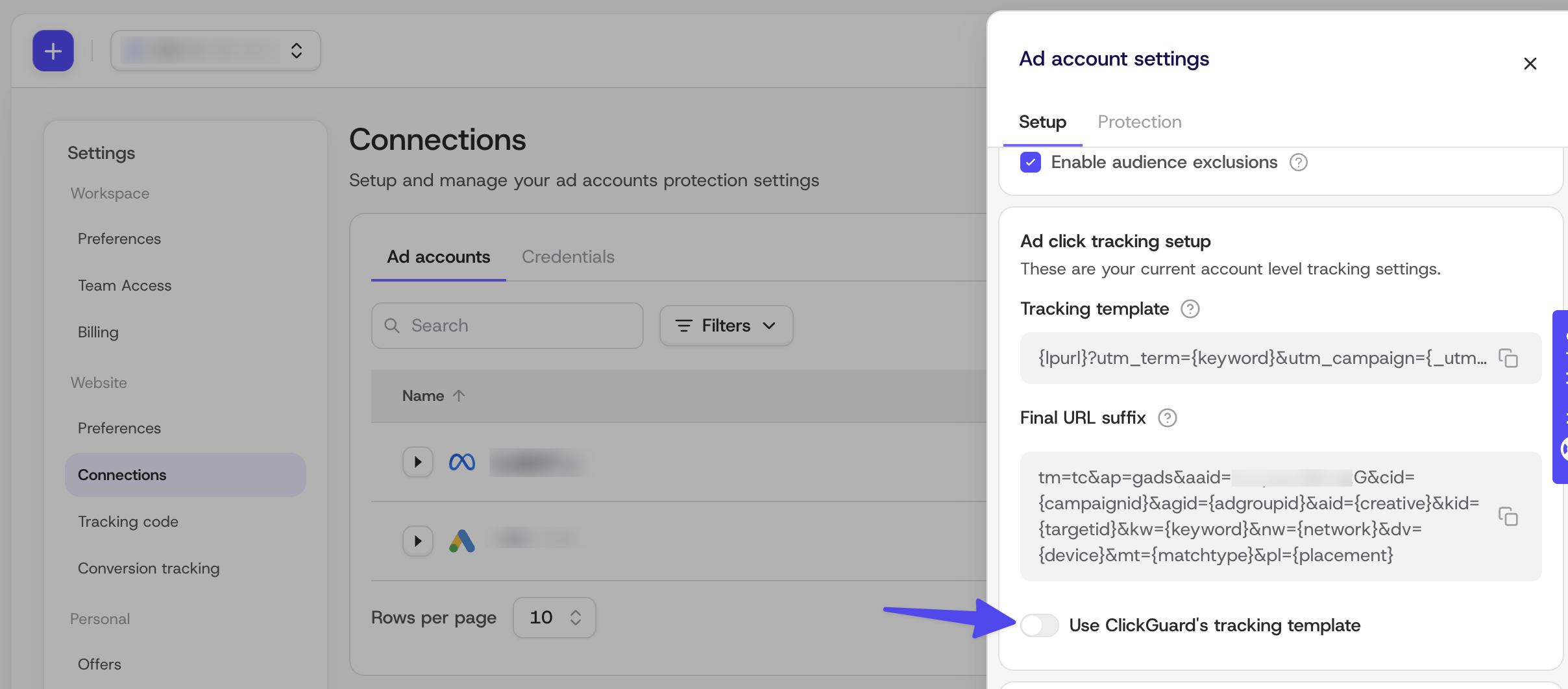
ClickGuard tracks your ad clicks through two settings in your Google Ads account: the tracking template and the final URL suffix. They tell ClickGuard which campaign, ad group and keyword each click came from. If you chose not to let ClickGuard set them up when you connected the account, it can't track your clicks.
Solution:
Tools with access to your Google Ads account can overwrite the tracking template with their own. If Use ClickGuard's tracking template is on but the account's tracking template isn't ClickGuard's, you'll see an error in Ad click tracking setup.
Solution:
If your final URL suffix is missing some of ClickGuard's parameters, Ad click tracking setup points that out too.
Solution:
Google Ads lets you set tracking at the account, campaign, ad group and ad level. Settings on a campaign, ad group or ad take priority over the ones on your account, so they can override ClickGuard's parameters.
Solution:
In Google Ads, check whether any of your campaigns, ad groups or ads has its own tracking template or final URL suffix. For each one you find, either:
Call-only ads don't send people to a website: the person calls you straight from the ad. With no visit to your site, there's no click for ClickGuard to log. This is a limit of the ad format, not of ClickGuard.
While your Google Ads account is suspended or under review, no click data reaches ClickGuard.
Solution:
Once you've fixed the cause, you can test the tracking template straight away in Google Ads:
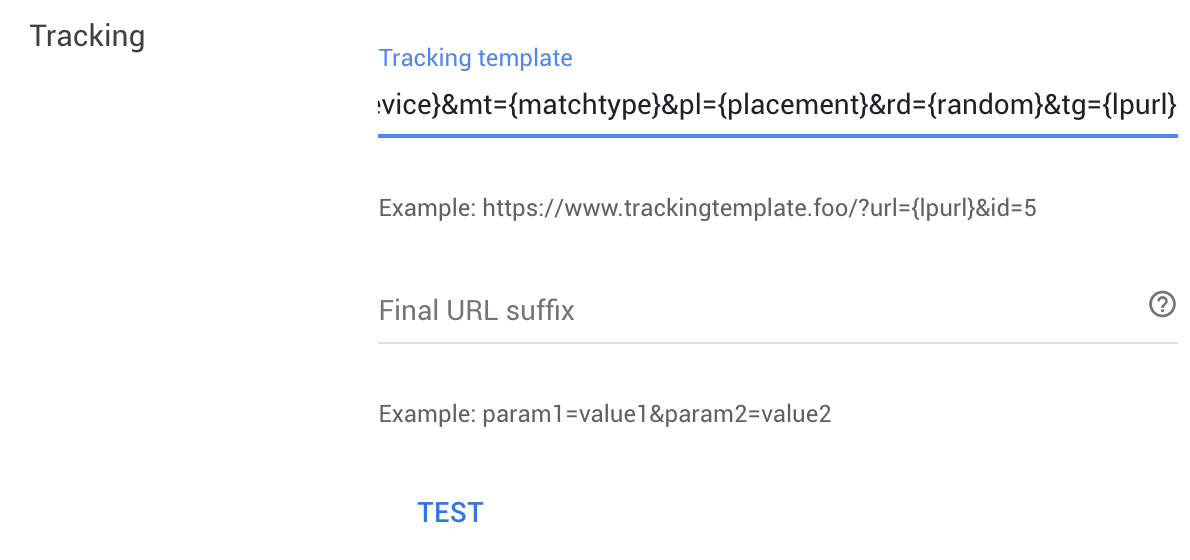
Google Ads confirms that tracking worked and your landing page was found.
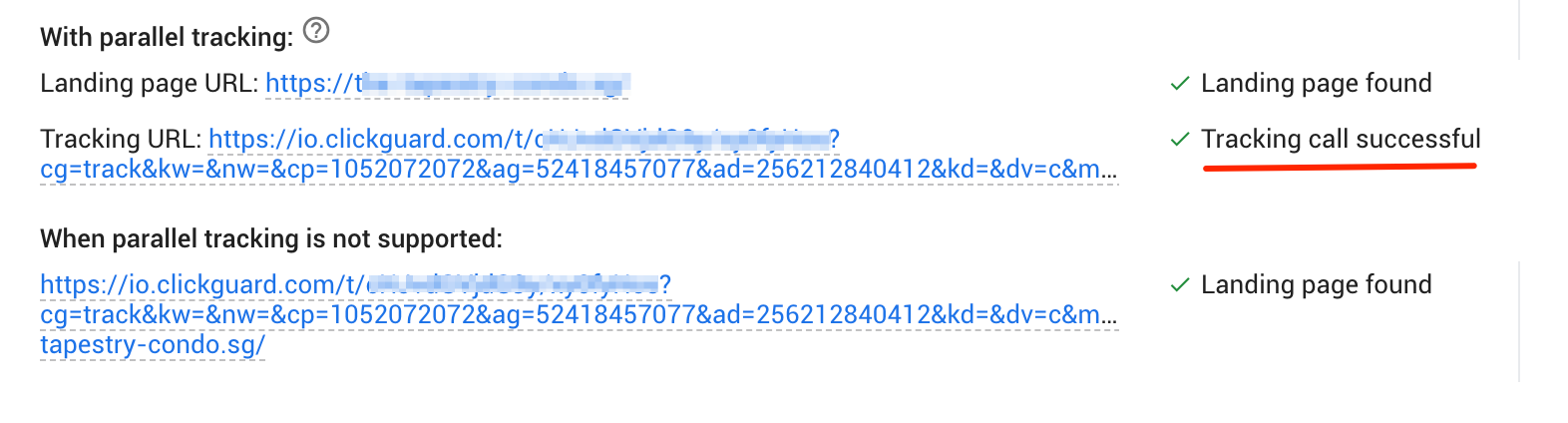
Unless ClickGuard is set to ignore Google's ad bot, the test click also shows up in ClickGuard as an ADBOT click.
A failed test usually means Google couldn't reach your final URL (your landing page).
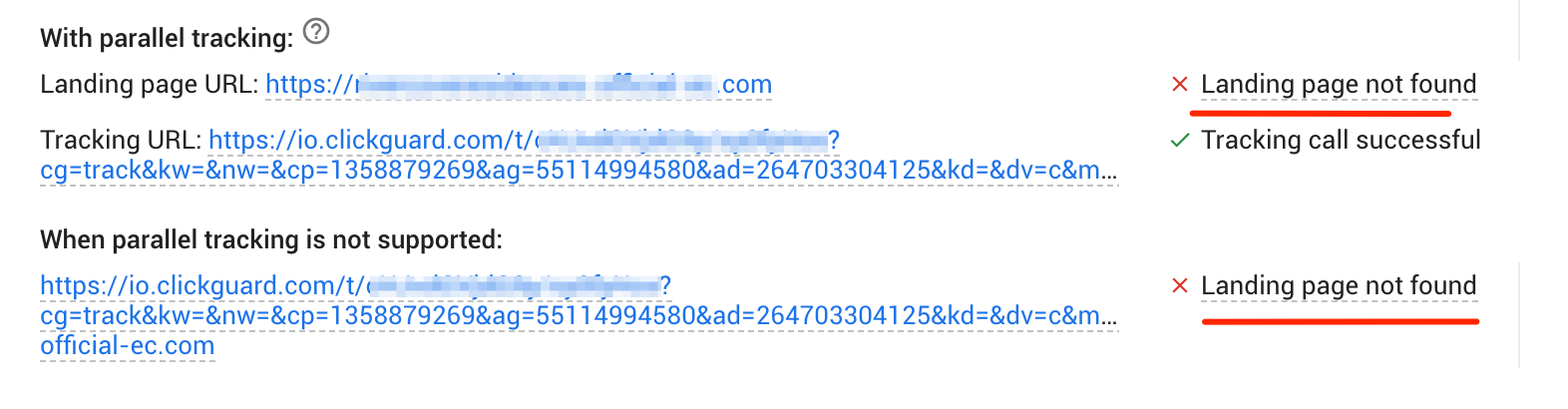
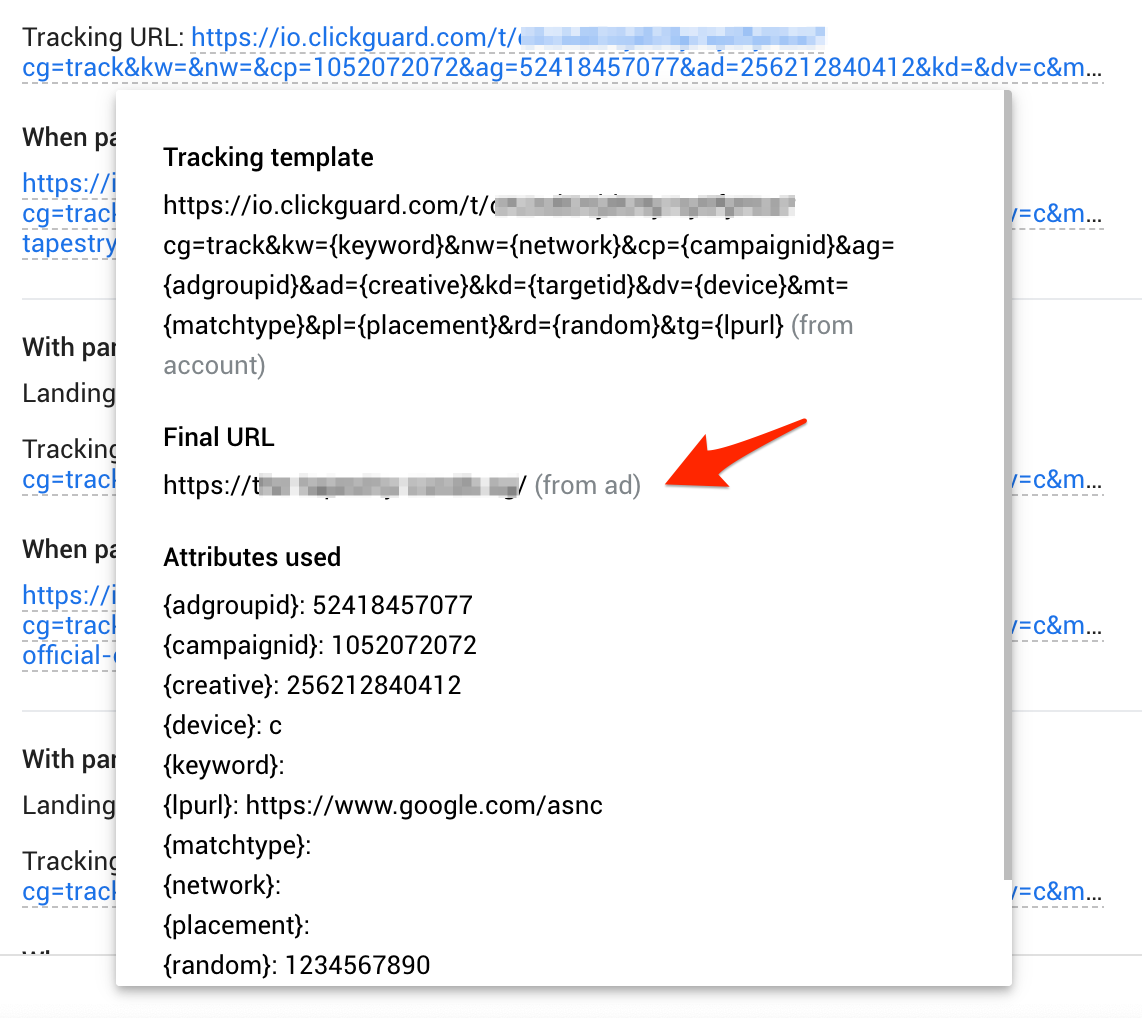
Hover over the tracking template URL to see each step of the tracking trail and where it broke.
Still not seeing your clicks? Contact us at [email protected].
See also: What is Google Ads' tracking template.