Loading article introduction…
Loading article body…
If you can't log in to ClickGuard, the most common cause is a forgotten password: click Forgot password on the login page and follow the reset email. Also check your email and password for typos, and try clearing your browser cache. For 2FA problems or a restricted account, contact our support team.
If you're having trouble accessing your ClickGuard account, here are the most common reasons and steps to help you get back in:
If you’ve forgotten your password:
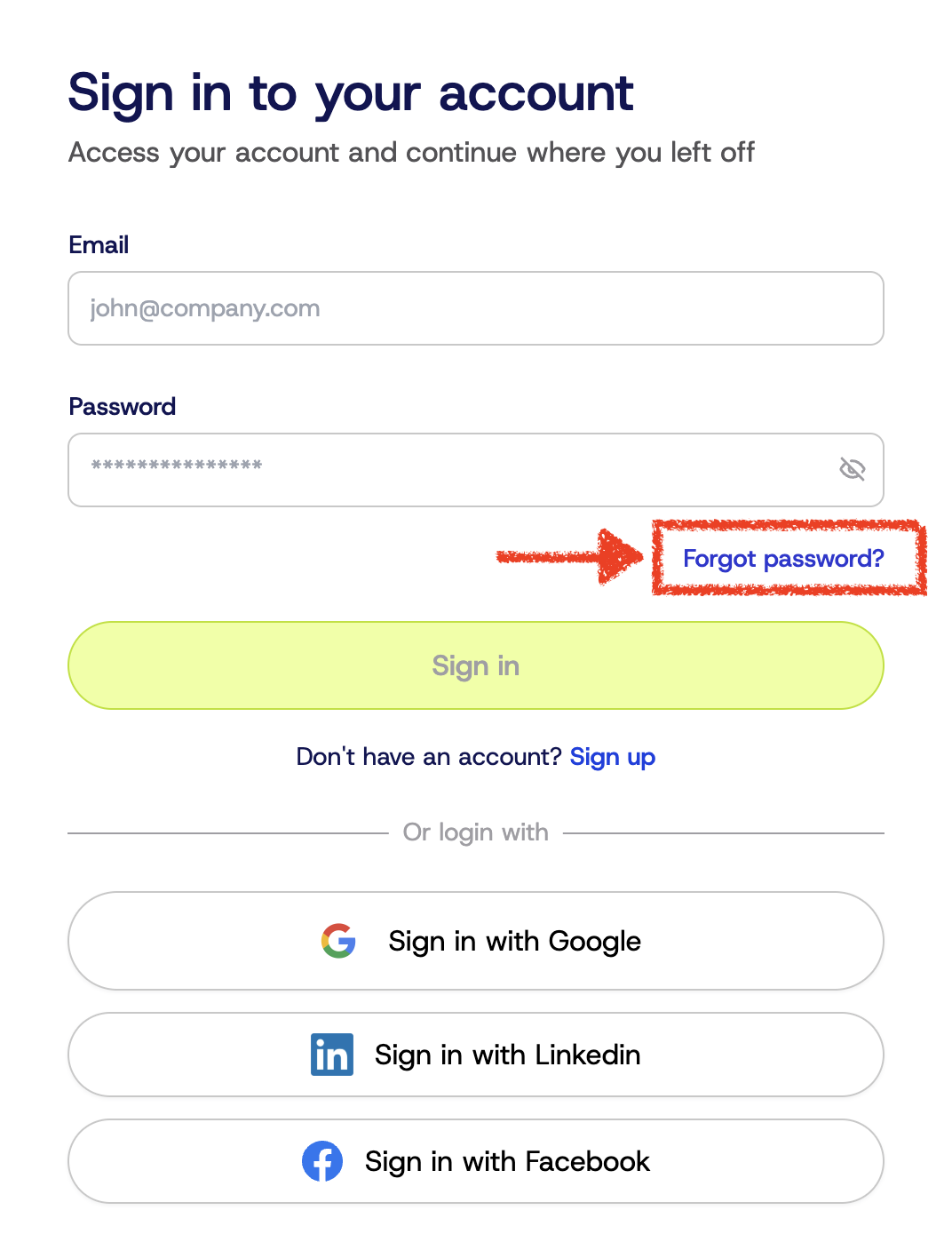
📌 Note: The reset link is valid for a limited time. Be sure to check your Spam or Promotions folder if you don’t see it.
If your account has been suspended, deactivated, or access is otherwise restricted, you may see an error message or get redirected.
➡️ In this case, please contact our support team, and we’ll investigate the issue as quickly as possible.
If your account uses 2FA and you’re locked out due to:
Please reach out to support and include your registered email address so we can help verify your identity and reset your 2FA settings if necessary.
Sometimes, login problems are caused by local factors:
If none of the above resolves the issue, please submit a support request with the subject line:
“Urgent: Can’t Access My Account”
Include the following:
See also: Security and privacy.