Loading article introduction…
Loading article body…
You remove ClickGuard's OAuth access in your Google account, not in ClickGuard. Go to Security, open Manage third-party access, find ClickGuard and choose Remove access. This doesn't cancel your ClickGuard subscription or trial, so cancel your plan separately if you also want to stop being billed.
To remove ClickGuard's oAuth access to your Google account, follow these steps:
Log in to your Google account
Go to "Security" (link in the sidebar)
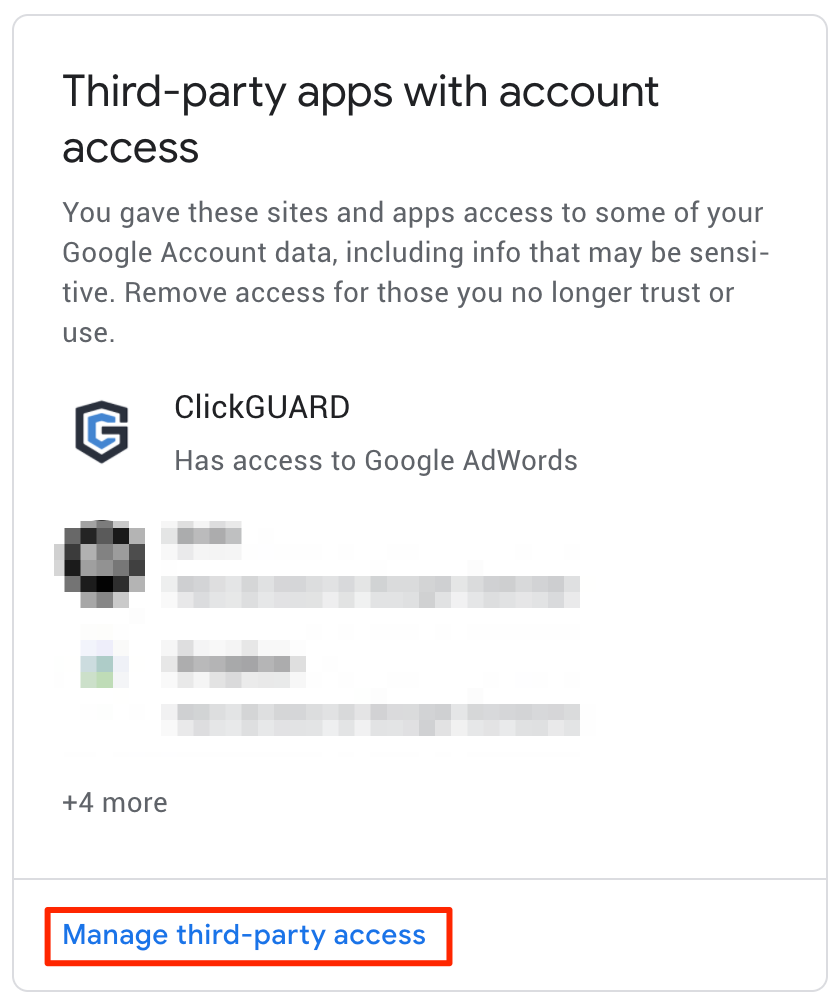
Scroll down to "Third-party apps with account access" and select "Manage third-party access"
Find ClickGuard on the list and choose "Remove Access"
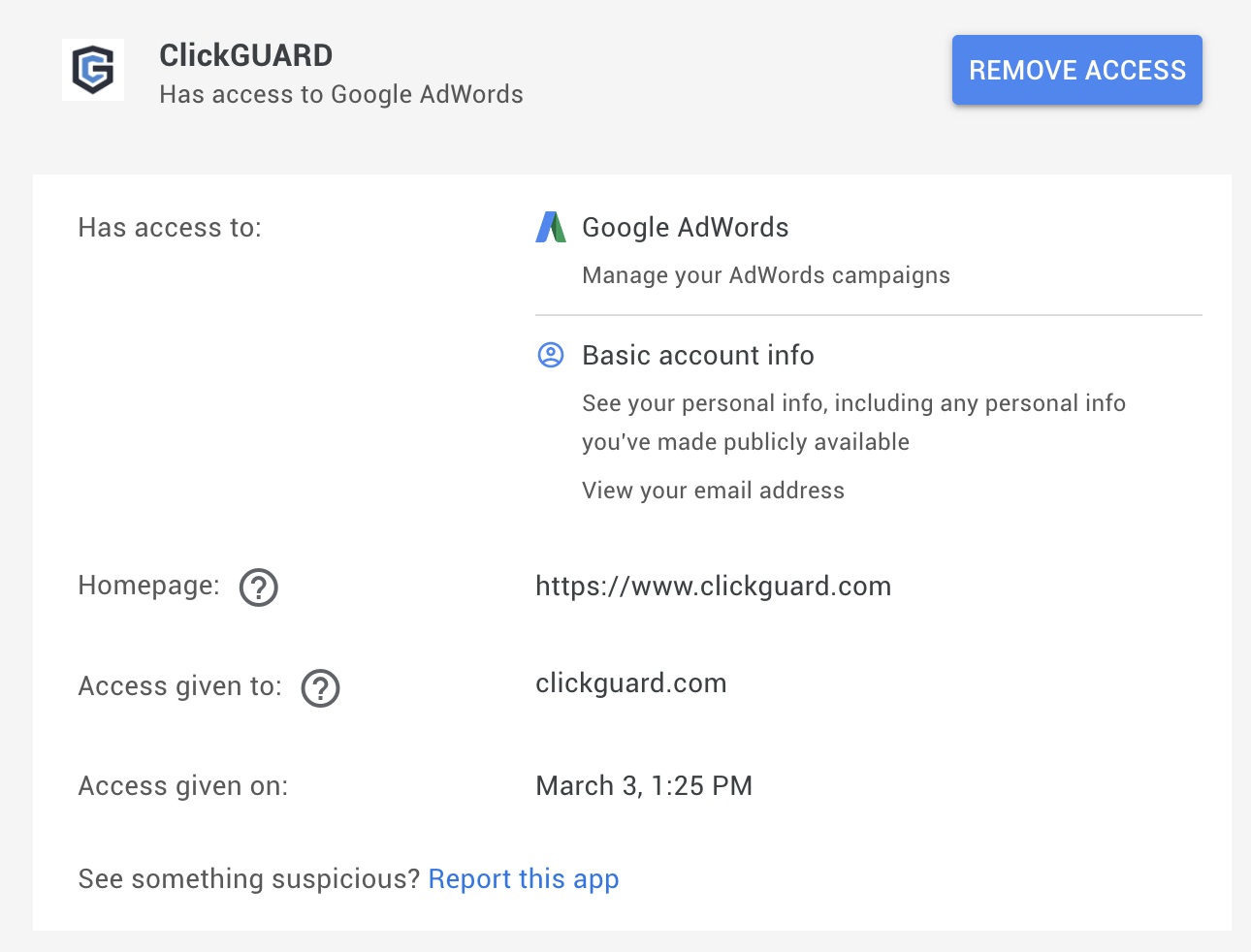
Important: Removing ClickGuard's access to your Google Ads does not stop your ClickGuard subscription or TRIAL.
See also: Manager (MCC) access vs Google OAuth access.