
Creating rich media ads can be a fun and rewarding process. The excitement of launching a campaign and seeing impressive metrics is exhilarating. We hope that you were inspired by successful examples of rich media ads in our last article, “Rich Media Advertising: Rich Media Examples You Should Know”.
Let’s turn our attention to the business of creating rich media ads that meet your desired objectives.
Do you feel overwhelmed by the thought of creating rich media ads? Don’t worry, we got your back! This article shares the step-by-step process of building rich media ads and the best practices to follow for success.
How to Create Rich Media Ads Step by Step
This section outlines the process of creating effective and profitable rich media ads from start to finish. Each step is important and cannot be skipped. You may want to complete each step yourself or outsource them based on your available skills and resources.
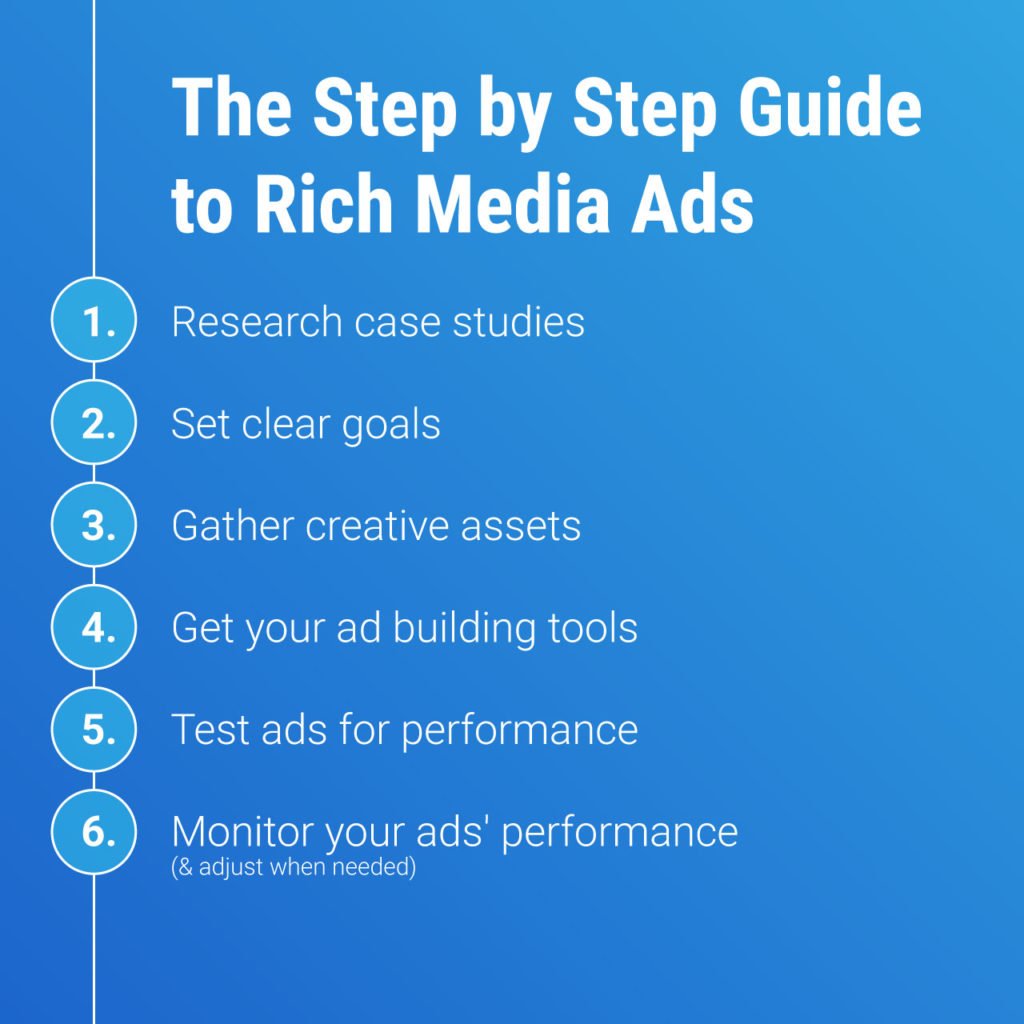
1. Research case studies
There is no need to reinvent the wheel when creating rich media ads. Searching for sources of inspiration allows you to see what’s already working for others and apply the same techniques in your own ads.
When researching case studies make sure to:
- Look for inspiration from industry related examples so you can apply techniques that are more likely to work.
- Pay attention to the data to figure out what exactly was done right. It might be increasing the conversion rate or adding a horde of new email subscribers.
- Note the data so you have something tangible to compare your marketing campaign to.
The more ads you research the more ideas you’re likely to generate. However, don’t overwhelm yourself by trying to decode a huge number of case studies. Once you have enough ideas, it’s time to put them into practice because that’s where most of the work lies.
2. What are your goals?
Before creating ads you need to decide on the intended outcome. Do you want to generate more sales or increase brand awareness? The optimal ads you’ll need to create will differ based on what you want to achieve.
The best goals are ones that can be measured. It might be the click-through rate or the number of new email subscribers generated from a campaign. Using data you can do A/B split testing to start the process of optimization.
3. Gather creative assets
After planning out your goals you can start gathering resources and assets that you’ll need to get the job done. The assets you’ll need depend on the intended goals, which you should have established in the last step.
For example, if you want to build brand awareness, then a video showcasing your band might be better than using full-page ads that focus on specific products.
You’ll need to create brand guidelines to ensure there is consistency across your rich media ad campaign. The assets to be included in the brand guidelines are:
- Color palette: decide on the color scheme for consistency. Customers can recognize a brand by noticing a color scheme that has been reinforced. The color scheme should be used in all advertisement assets and reflect your brand tone. For instance, if you want to portray an energetic tone, then bright colors are the way to go.
- Logo: use your company logo across all rich media ads. Ideally, the logo should have multiple versions so you can use one that is best for the digital space.
- Typography: the use of fonts can impact brand recognition more than you might think. Fonts also contribute to the brand tone, so research the available choices that are a perfect match.
Other brand assets you should prepare include images, illustrations, video and copy. Consistency across brand assets is important to ensure customers are not confused. Reinforcing brand mission statements and product features works best when the same ideas are repeated across multiple ad types.
4. Ad building tools
You can hire graphic designers that create amazing ads without putting a big dent in your marketing budget. Freelancers are a practical choice since you can hire them for a specific project without long-term commitment.
However, you’ll be pleasantly surprised by the ease with which you can create ads with little experience. Using tools like Rich Media Gallery from Google, you can create customized ads that bring your vision to life. Are you a complete beginner with no creative imagination? Then take advantage of templates that allow you to hit the ground running.
5. Test ads for performance
You have created the ads with the best intentions but do they actually work? Start by making sure the rich media ads meet platform guidelines. Most platforms have an approval process that will inform you of what rules you might be breaking.
Next, test the ads to see if they work as intended. Click on the ads to see if you’ll arrive at the right page and use the interactive features. It’s better to spot errors before sending the ad to thousands of viewers that produce no results.
In the next step, you’ll learn about measuring ad success. This step can also provide insight into when ads are not working correctly since you’ll see poorly performing metrics.
6. Use metrics to monitor success
Most platforms that allow you to run rich media ads will also provide a lot of metrics to monitor performance. The goals of your marketing campaign should determine the metrics you value.
Analyzing the metrics in detail is the best approach for optimizing ads. For instance, if you’re trying to improve video ad performance, then you may want to learn the average time watched. This can clue you in about the weakest part of the video that causes a loss of interest.
Rich Media Advertising Best Practices
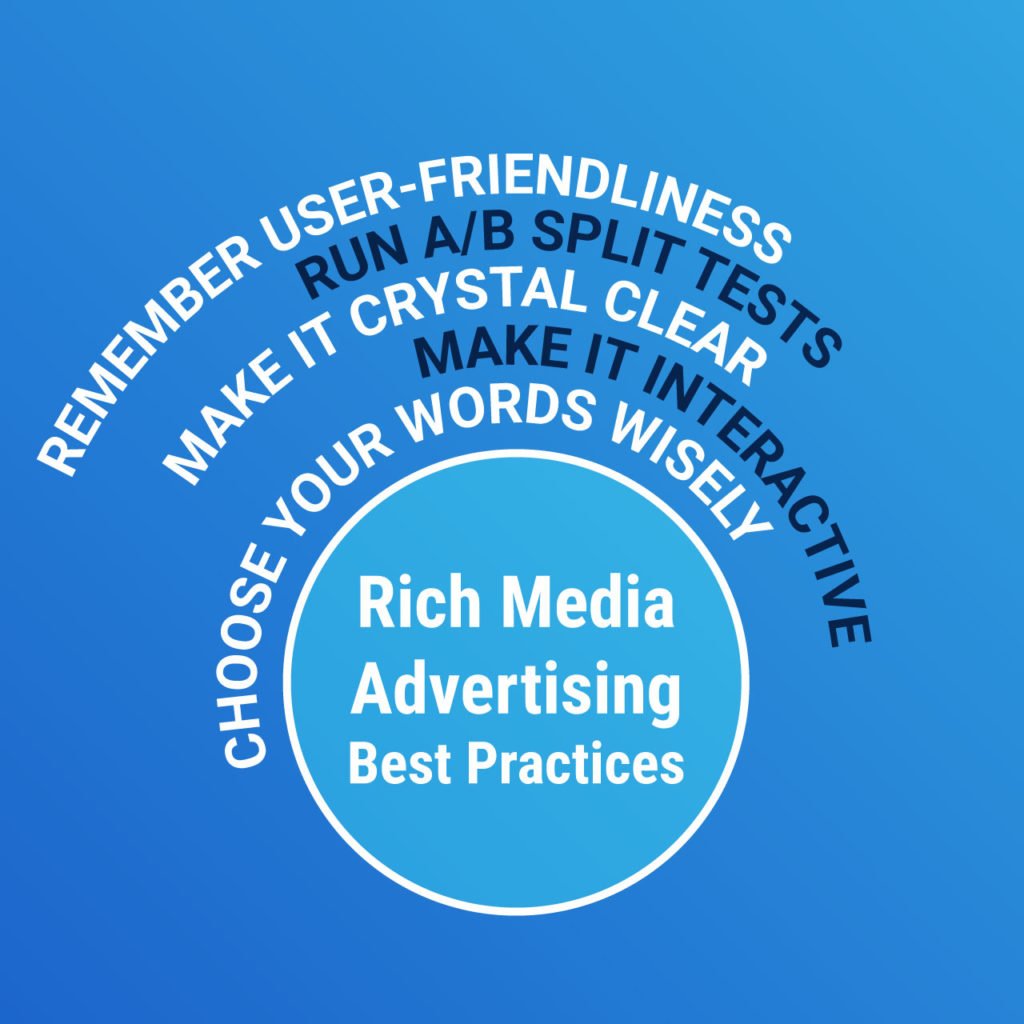
The step-by-step process outlined above is a great starting point, but it’s easy to make mistakes that will reduce campaign profitability. To tilt the odds of success in your favor, consider the following best practices that are used by the most successful rich media ads.
- Engaging words and phrases
Ads are about quality over quantity when it comes to words. Choosing strategic words that evoke the desired emotions is what creating successful rich media ads is about. The bigger size of rich media ads means you can use more words. However, you can also use this added digital real estate to increase font size.
Words that instruct the audience to take action must be included. It might be to sign up for an email newsletter, answer a questionnaire or watch a video. Instructing the viewer removes confusion and leads to better results.
- Clarity
Look at your ads and be honest with yourself. Is it easy to understand what message, offer or idea it’s trying to convey? You may need fresh eyes on the ad to give you a second opinion. The average time spent on ads is shorter than most marketers would like. Therefore, you have to capture attention quickly and hold it through genuinely interesting content.
- Don’t hold back on the “rich” part
The strength of rich media ads is the amount of resources available to create engaging ads. You can use a combination of text, video, graphics and access to more real estate is available. Therefore, add a lot of interactivity and content to captivate the audience. Make the ads “pop” to reduce ad blindness which is a big drawback of bland static ads.
- User friendly
Rich media ads allow you to include interactive elements such as answering questions and filling out forms. Consider how easily users can complete steps without getting frustrated by a clunky user interface.
Use data to figure out if there are parts of the process where many viewers leave without completing the desired action. This step may require optimization to improve the ad performance metrics.
- A/B split testing
No ad campaign is complete without A/B split testing. This strategy allows you to test 2 versions of a variable to see which one performs better. In practice, you would create identical ads where only one variable is changed. An identical amount of traffic is sent to both versions and the results analyzed to see what version is kept and discarded. This strategy will help you improve one component of rich media ads at a time until you have a solid performer.
Final thoughts
To summarize, creating successful rich media ads is possible by following a simple process. Start by getting inspired by looking at case studies, gather your resources and start the ad creation process with widely available tools.
Rich media ads can be a game-changer for a marketing campaign that needs new life. The blandness of traditional static ads can be overcome with the creativity available of rich media. The stakes for getting it right are high since rich media ads offer a 15-20% CTR improvement over static banners.
Your competitors are most likely using rich media ads to fight for customers. To avoid being at a disadvantage, start implementing them into your next marketing campaign.