

Spambots are an ever-present nuisance in modern digital life, infesting inboxes and swarming round every social media channel. But exactly what is a spambot? What do they want? And why should you care?
What is a Spambot?
Like any bot, a spambot is a piece of software code that is designed to automatically carry out a task.
A spambot’s purpose is to deliver ‘spam’ – irrelevant, pre-programmed messages or responses. It’s one of the most common kinds of bot, and also one of the most visible – your email junk folder is full of them.
They operate by tapping into basic human urges – they’ll tell you you’ve won something, or that you’re going to get fined, or that you have a secret admirer. For the most part, they’re really easy to identify.
However, just because they’re visible, doesn’t mean they’re harmless. A spambot can often be a real threat to your digital assets, hiding in plain sight. Spambots serve many purposes, and none of them are pleasant.
What Spambots Do
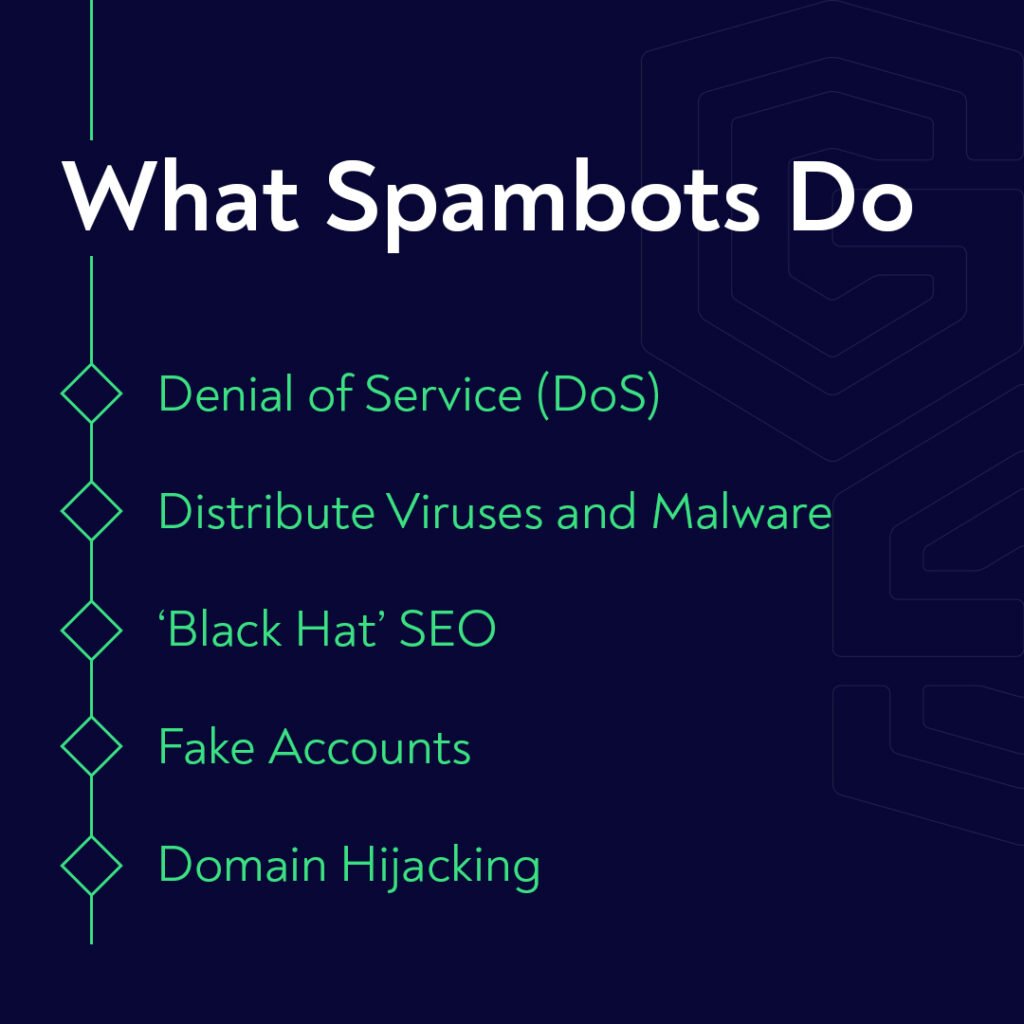
Denial of Service (DoS)
Spambots are a cost-effective way to slow down or even break a targeted website. They’re relatively unsophisticated and cheap to create, so they can be dispatched in great quantities to clog up a website.
This excess of traffic causes problems at the server level, which means the website will struggle to function for genuine human users because it’s swamped trying to process the bot activity.
This is known as a Denial of Service (DoS) attack. Botmasters can scale up their attack by using multiple IP addresses and devices – this is called a Distributed Denial of Service (DDoS) attack. These are much harder to block.
Distribute Viruses and Malware
This is a common use for spambots, and one which still causes many problems. Within the pre-programmed message distributed by the spambot, links can be embedded which open vulnerabilities in the user’s device.
These vulnerabilities can be exploited to implant malware, giving unauthorized access. The botmaster can then use this malware, hidden away from the user’s owner, to control the device, running background tasks like click fraud.
Alternatively, these links can be presented as a plausible marketing link, taking the user to a known website for products and services. Anyone unfortunate enough to click one of these links may find themselves on a spoofed website – and at risk from phishing scams and identity theft.
‘Black Hat’ SEO
Google takes an increasingly dim view of link spam – the practice of linking to your website to improve your SEO results. While these tactics may have been effective back in the early days of the internet, link spam is now much more likely to harm your website than help it (especially in the light of Google’s most recent link spam update).
So what better way to damage a competitor’s website than to mobilize a swarm of spambots, bearing links to the targeted site to as many irrelevant places on the internet as possible?
Should you be targeted with this ‘black hat’ SEO technique, it’s not just a case of losing credibility with Google for being a spammy linker – there’s the additional downside of all those links floating around on unrelated sites.
These links will bring you nothing but confused website visitors who are going to bounce in seconds, leaving you with metrics that will further impact your SEO as Google weighs your average session duration and bounce rate against you.
Fake Accounts
Most marketers are familiar with the sinking realization that the conversion rate you’re seeing in Google Analytics has been tainted with a hefty dollop of automated form filling.
Spambots are often used to complete inquiry forms and set up accounts, leaving marketers chasing non-existent leads. These fake accounts can also be used for further fraud, such as negative reviews or denial of inventory attacks.
Domain Hijacking
So far, we’ve been looking at the damage that spambots can do to your website – from the outside.
But can a spambot do if it gets its spammy hands on your login details? A compromised business website that’s infected with spambots is a real nightmare scenario.
With access to your business domain email directory, spambots can do unimaginable damage to your reputation, sending phishing attacks, malware, and spam through both internal and external communications. Your customers will never open one of your emails again.
The Cost of Spambots
How many spam emails did you delete today? How many software solutions does your business network use to filter out spam email? How long do companies like Google and Microsoft spend devising ways to eliminate or reduce spambots?
Every day, there’s around 22.4 billion legitimate emails sent. It’s hard to conceptualize just how many emails that is. But if each email was a quarter, and you stacked them up, you’d have a stack more than 25,000 miles long – big enough to encircle the Earth.
But compared to the amount of spam emails, it’s nothing. The legitimate emails are estimated to be only 15% of total email traffic. So the rest, the other 85%? Spam.
That’s more than 122 billion spam emails, every day. Even without the fraud, the phishing, and the malware, the amount of hours lost just from processing all this junk is incredible.
It’s been a while since anyone crunched the numbers – back in 2012, spam emails were estimated to be impacting businesses worldwide to the tune of $20.5 billion a year. In the intervening years, the volume of emails sent has increased steadily, so it’s safe to say that the financial cost to the global economy will have grown considerably in that time too.
How To Beat the Spambots
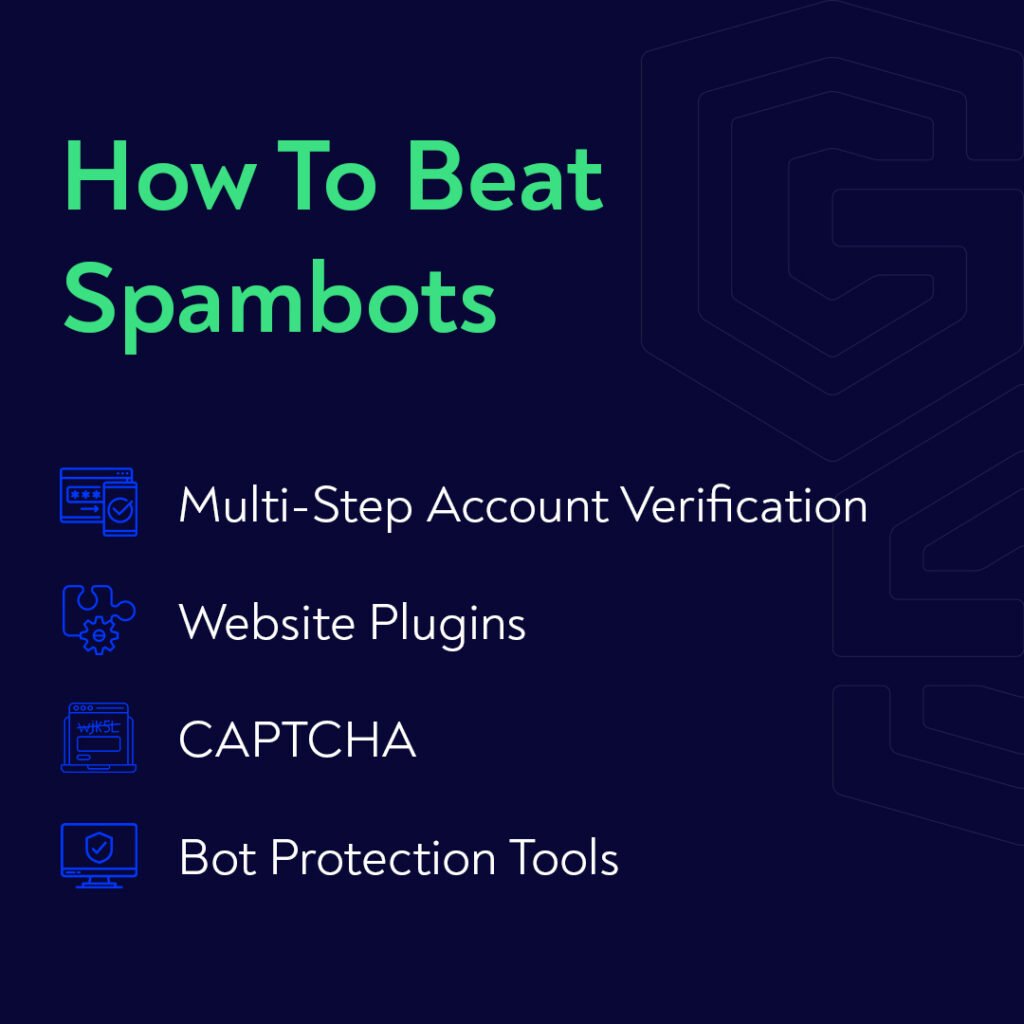
There’s a few things you can do to defend your website from spammers and email bots.
Multi-step account verification. When your website has customer account confirmation – multi-step verification (where a user is required to confirm their identity via a verification code sent to another device, e.g. a mobile phone) has become increasingly essential.
As well as blocking spambots (although not all bots), multi-step verification sends a strong signal to genuine customers that their personal data is safe with you.
Website plugins. If you’re running a WordPress website, Akismet or FireWall by CleanTalk will mop up a lot of the more common spambots that come knocking. Website builders like Squarespace and Wix usually offer their own built-in spam protection that offers a similar standard of protection.
CAPTCHA. Although by no means exhaustive, CAPTCHA functionality is still an effective barrier for less sophisticated spambots.
A spambot is usually fairly easy to identify – they send pre-programmed messages to as many people or websites as possible, so the information is often irrelevant to the recipient.
There are often strange typos or grammatical errors. Even if the initial message seems legit, a conversation will quickly demonstrate that you’re talking to a spambot – there is unlikely to be sufficient artificial intelligence involved to properly analyze the text you write, and craft an appropriate response.
A dedicated bot protection solution allows you to block the widest possible range of bot activity and invalid traffic. A dedicated bot protection system will also provide more sophisticated filtering systems, allowing you to analyze your traffic and adapt your defenses to stay ahead of spambot tactics as they develop and evolve.
What is a Spambot? FAQs
What is a spambot on Twitter?
Spambots are used to influence the algorithms on Twitter, by liking and retweeting content to make it seem more popular than it is. These automated accounts are also used by comment spambots to increase division and conflict through ‘trolling’.
What is a spambot on YouTube?
The comments section underneath YouTube videos is a popular target for spambots. In long comment threads, links in spambot comments can be easily clicked by accident, as users collapse or expand sub-threads of viewer comments.
YouTube spambots are notorious for sharing adult content, or other materials deemed Not Safe For Work (NSFW). This is often an attempt to lure curious users into malware-infested sites – adult content sites have always been used for illegal activity, as the criminals rely on the victim’s embarrassment to ensure their silence.
Recent reports indicate that YouTube is taking steps to address the problem.
What is the purpose of a spambot?
Spambots are used for many reasons. The most common purposes of spambots are:
Advertising or marketing messages (36%)
Adult content (31.7%)
Financial services and information (26.5%)
Are spam bots illegal?
While spambots are not in themselves illegal, their botmasters may be punished for using them for illegal purposes. An example of this might be using spambots to distribute links to a phishing scam.
How do you identify a spam bot?
A spambot is usually fairly easy to identify – they send pre-programmed messages to as many people or websites as possible, so the information is often irrelevant to the recipient.
There are often strange typos or grammatical errors. Even if the initial message seems legit, a conversation will quickly demonstrate that you’re talking to a spambot – there is unlikely to be sufficient artificial intelligence involved to properly analyze the text you write, and craft an appropriate response.
How do I get rid of spam bots?
There are many useful tools to help block spambots from accessing your website, including CAPTCHA filters and multi-step verification.
To block spambots from your email, most of the major email service providers allow you to adjust the spam protection settings on your inbox. However, this increases the likelihood that genuine (and often important) emails will be blocked, and important communications lost as a result.